Healthy lifestyles start here. Sign up and get exclusive offers
TV
All series
LCD TV
Discontinued
Support
37PFL5603D/10
Go to shop
Log in or create an account
You instantly have access to manuals, tailored support and more. Plus it’s quick and easy
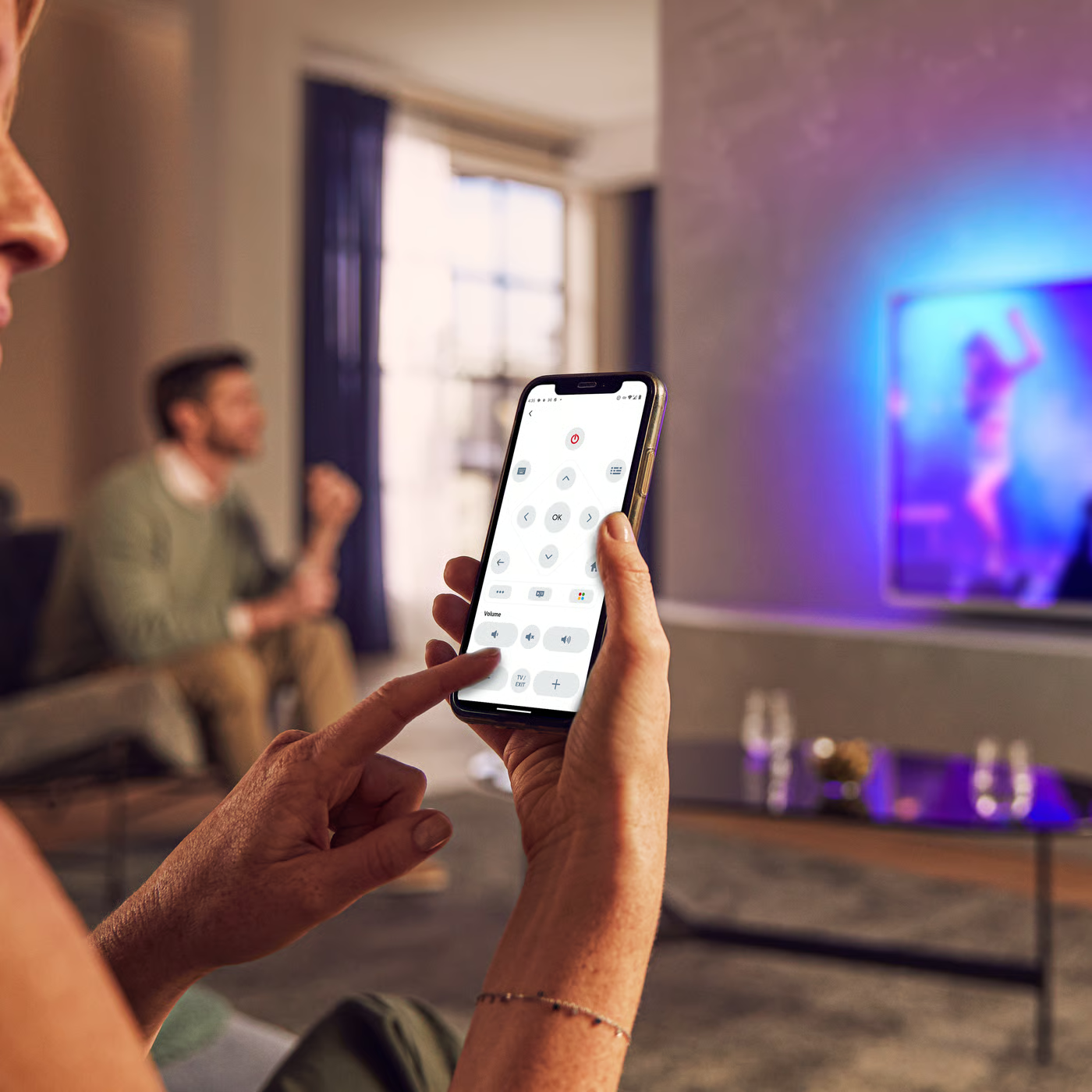
Control your TV with your smart device
The Philips Smart TV app turns your smartphone or tablet into a smart remote, letting you switch channels, adjust volume, browse apps, and fine-tune your Ambilight settings with ease.
End Users License Agreement
Quick start guide - English
Localized commercial leaflet
All (22)
Why is the On timer not working in Philips TV?
My Philips TV is connected to a Cable or Satellite box. Do I have to complete the initial setup when I switch the TV on for the first time?
Will my Philips TV be able to receive MPEG4 channels when they become available?
What type of Electronic Program Guide (EPG) is available on my Philips TV?
What issues are solved by a software upgrade in my Philips TV?
What should I do when the letter "F" appears in the right-hand corner of Philips TV screen and it does not respond to the remote control?
The volume bar fails to display on my Philips TV screen after pressing the volume button
What to do if I cannot hear sound from my headphone connected to Philips TV?
I have forgotten my 4-digit access code of my Philips TV. How can I reset it?
How to change menu language of Philips TV if I do not understand it?
Check the terms of your warranty and start a product exchange or repair
Warranty
Our product warranty policies
Contacting Philips
We're happy to help you