Healthy lifestyles start here. Sign up and get exclusive offers
TV
All series
5000 series LED TV
Discontinued
Support
42PFL5007D/30
Go to shop
Log in or create an account
You instantly have access to manuals, tailored support and more. Plus it’s quick and easy
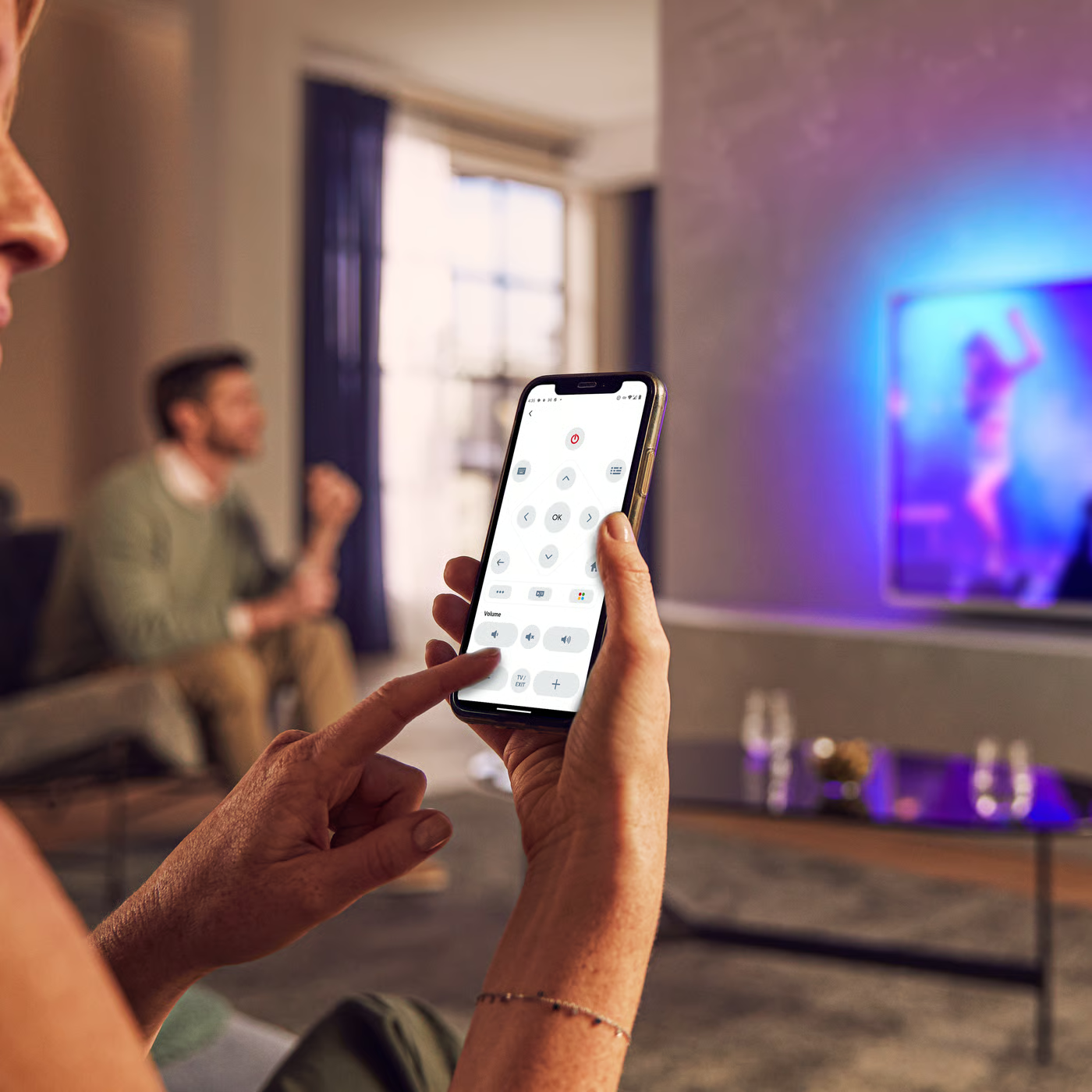
Control your TV with your smart device
The Philips Smart TV app turns your smartphone or tablet into a smart remote, letting you switch channels, adjust volume, browse apps, and fine-tune your Ambilight settings with ease.
Software upgrade
Firmwarehistory - English
Localized commercial leaflet
User manual - English
All (15)
What is the function of the 'Scenea' feature in Home menu of Philips TV?
Can I switch off the Philips TV display and only listen to the sound?
Why the E-sticker banner (feature logo) keeps appearing on Philips TV screen?
What issues in Philips TV are solved with a software upgrade?
How to select the picture format in my Philips TV?
One or more channels are missing from my Philips TV
I am not able to store the picture and sound settings on my Philips TV
How to improve the picture quality of Philips TV?
My Philips TV is tilted horizontally when it is mounted on the table stand
How to reduce the difference in volume between regular broadcasts and commercials in my Philips TV?
Check the terms of your warranty and start a product exchange or repair
Warranty
Our product warranty policies
Contacting Philips
We're happy to help you