Healthy lifestyles start here. Sign up and get exclusive offers
TV
All series
Cineos LCD TV
Discontinued
Support
47PFL9703/98
Go to shop
Log in or create an account
You instantly have access to manuals, tailored support and more. Plus it’s quick and easy
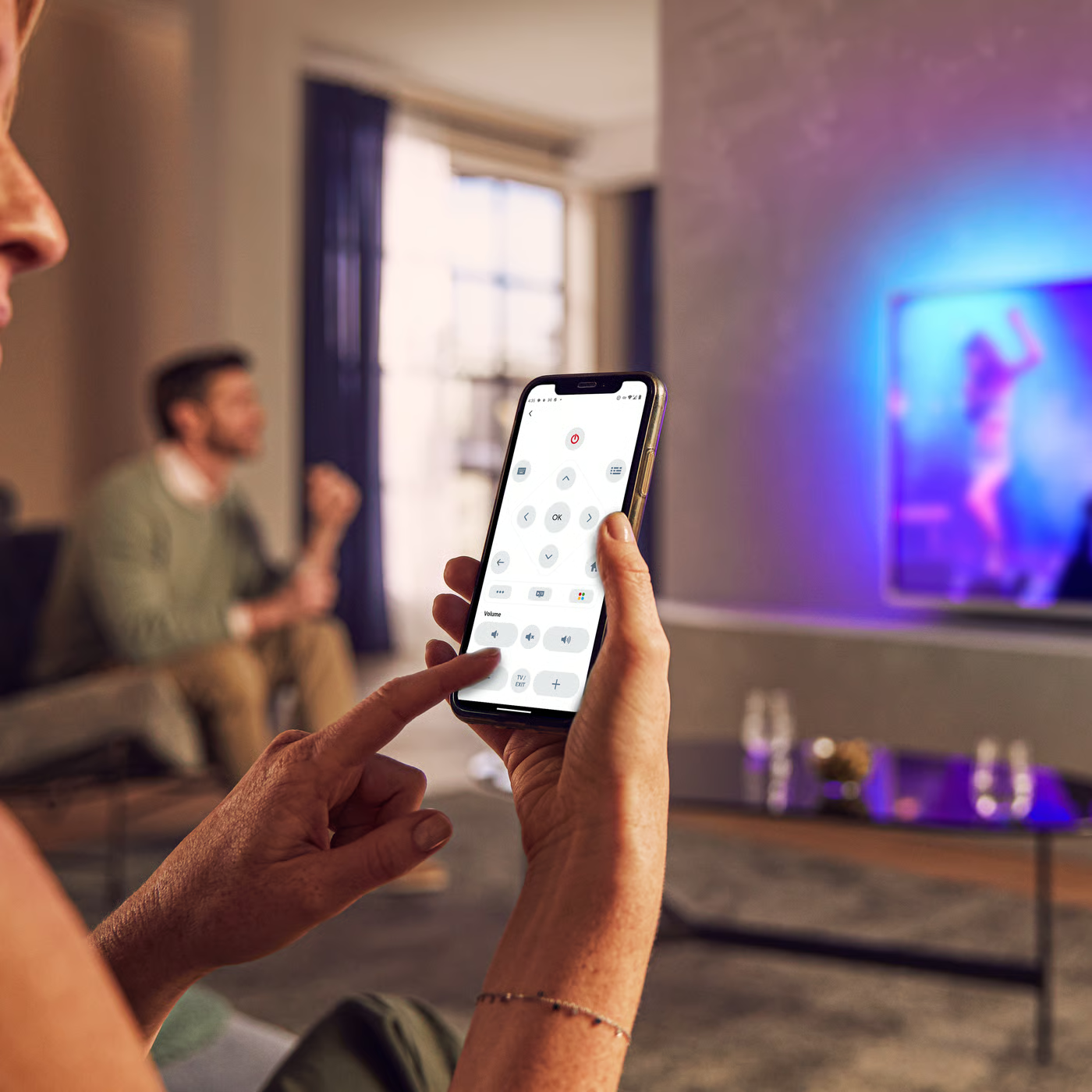
Control your TV with your smart device
The Philips Smart TV app turns your smartphone or tablet into a smart remote, letting you switch channels, adjust volume, browse apps, and fine-tune your Ambilight settings with ease.
Firmwarehistory - English
End Users License Agreement
Quick start guide
Localized commercial leaflet
All (11)
Do I have connect the antenna to the Philips TV if I use HDMI connected accessory devices?
Do I need a special Philips antenna to receive digital terrestrial TV broadcastings? And what kind of antenna should I use?
Can I connect an external Hard Disk Drive (HDD) to my Philips TV?
What kind of PC connection should I make with my Philips TV?
Why can I not see my PC folder hierarchy on my Philips TV?
My PC network works, but sometimes Philips TV does not load the pictures from my PC pictures
My installation has worked before, but now I am unable to access and connect my Philips TV to my PC network
I have absolutely no digital audio out on the S/PDIF when using the HDMI connection
Check the terms of your warranty and start a product exchange or repair
Warranty
Our product warranty policies
Contacting Philips
We're happy to help you