Healthy lifestyles start here. Sign up and get exclusive offers
TV
All series
LED TV
Discontinued
Support
52PFL8605H/12
Go to shop
Log in or create an account
You instantly have access to manuals, tailored support and more. Plus it’s quick and easy
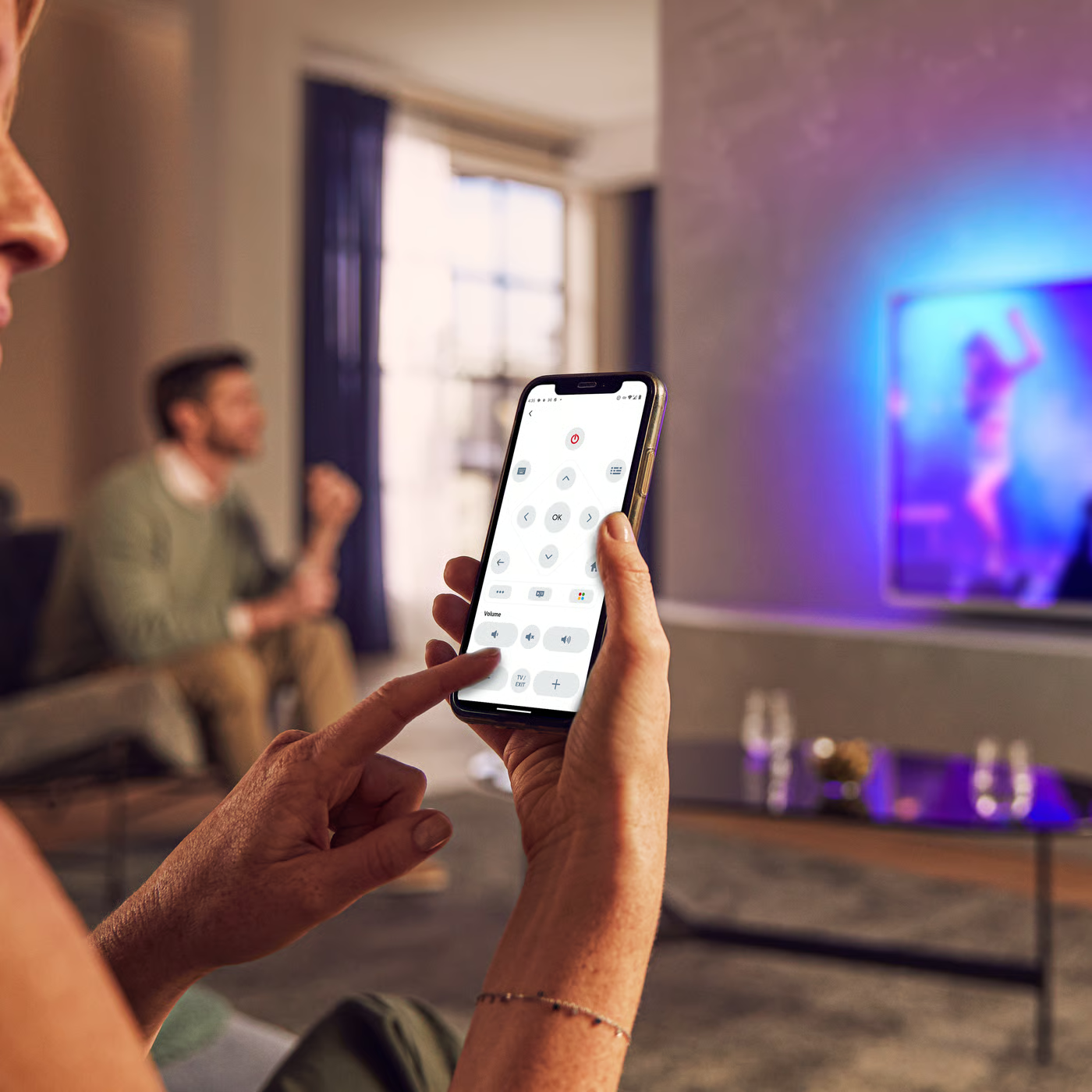
Control your TV with your smart device
The Philips Smart TV app turns your smartphone or tablet into a smart remote, letting you switch channels, adjust volume, browse apps, and fine-tune your Ambilight settings with ease.
Firmwarehistory - English
End Users License Agreement
Quick start guide
Product Information Sheet
All (25)
Can I recharge the batteries in the active 3D glasses PTA02 and PTA03 in Philips TV?
Do I have to replace my HDMI 1.3 cable with a HDMI 1.4 cable of my Philips TV if I need to use it for 3D?
Why does a message ‘No interactive contents available’ appear when I select ‘Show widgets’ icon from the Home Screen in my Philips TV?
What can I do with Wi-Fi MediaConnect on a PC which is below the minimum requirements?
Can I connect an external Hard Disk Drive (HDD) to my Philips TV?
What kind of antenna should I use for my Philips TV?
The time displayed by Philips TV clock function is not correct
My Philips TV fails to respond to the remote control
I forgot my PIN code of Philips TV for parental control. How do I solve this problem?
I set up an Internet connection between my Philips TV and my router, but it does not work
Check the terms of your warranty and start a product exchange or repair
Warranty
Our product warranty policies
Contacting Philips
We're happy to help you